
wucgea Outdoor Smart Plug Compatible with Alexa – WiFi Outlet with 2 Sockets,Google Home,Wireless Remote Control/timer by Smartphone,IP44
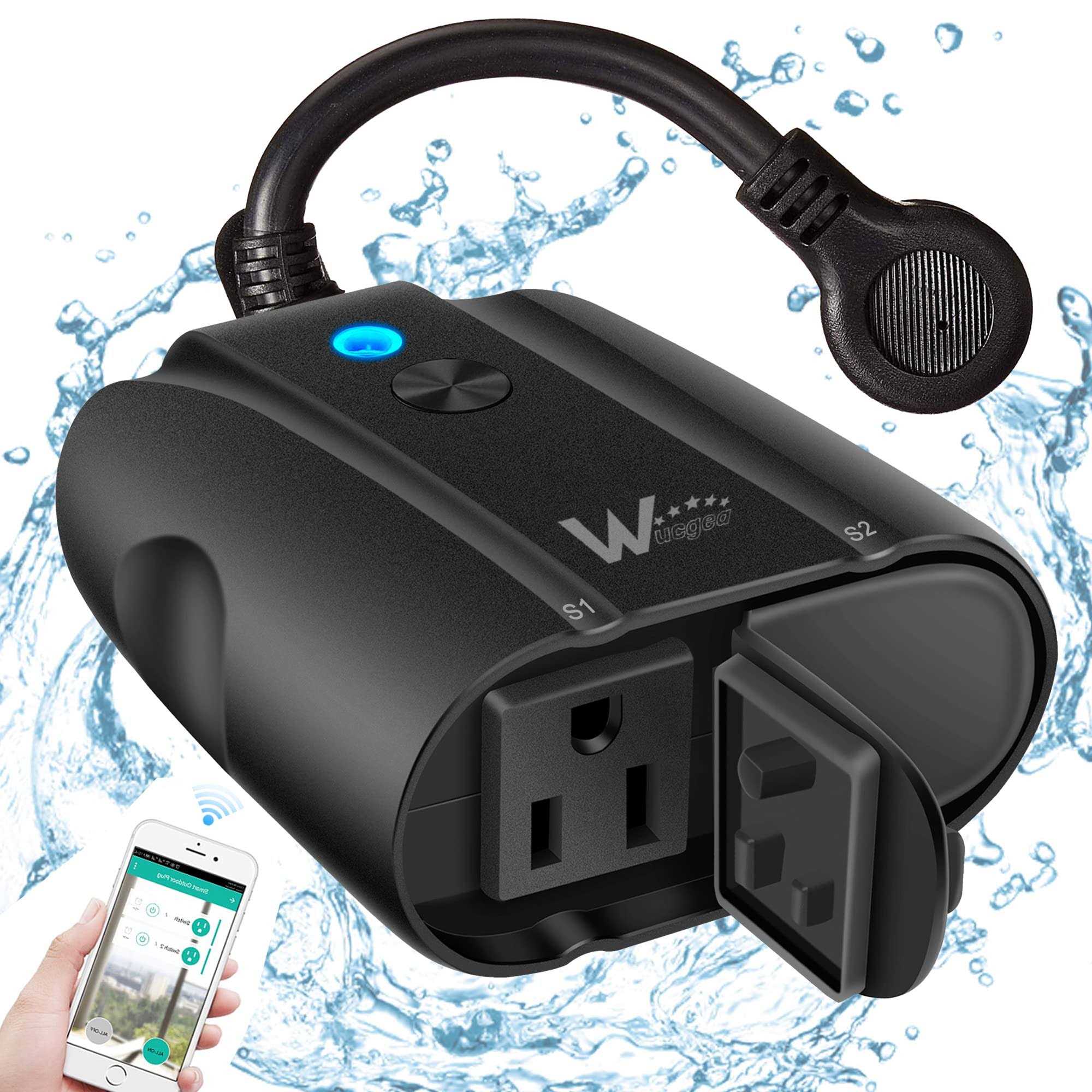
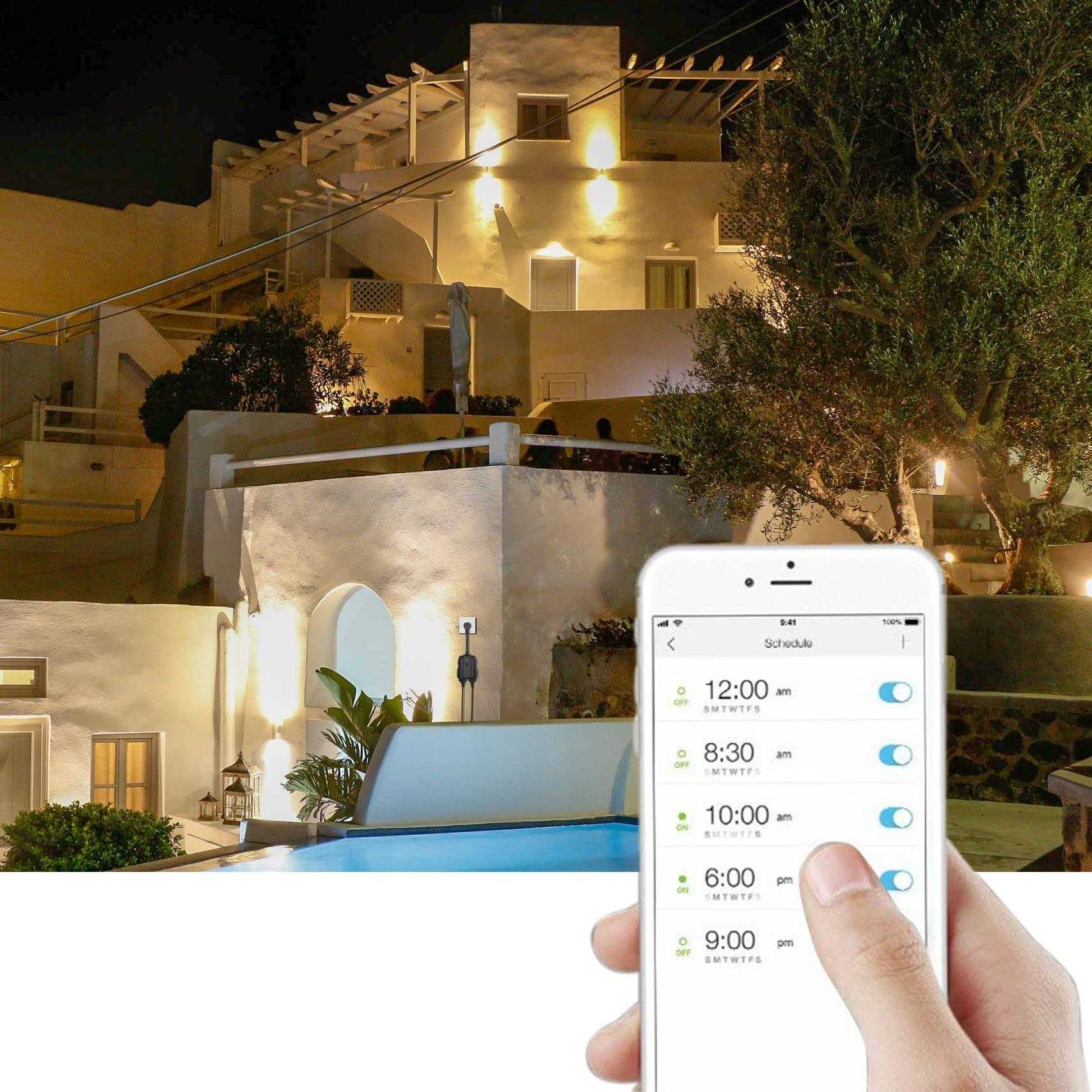
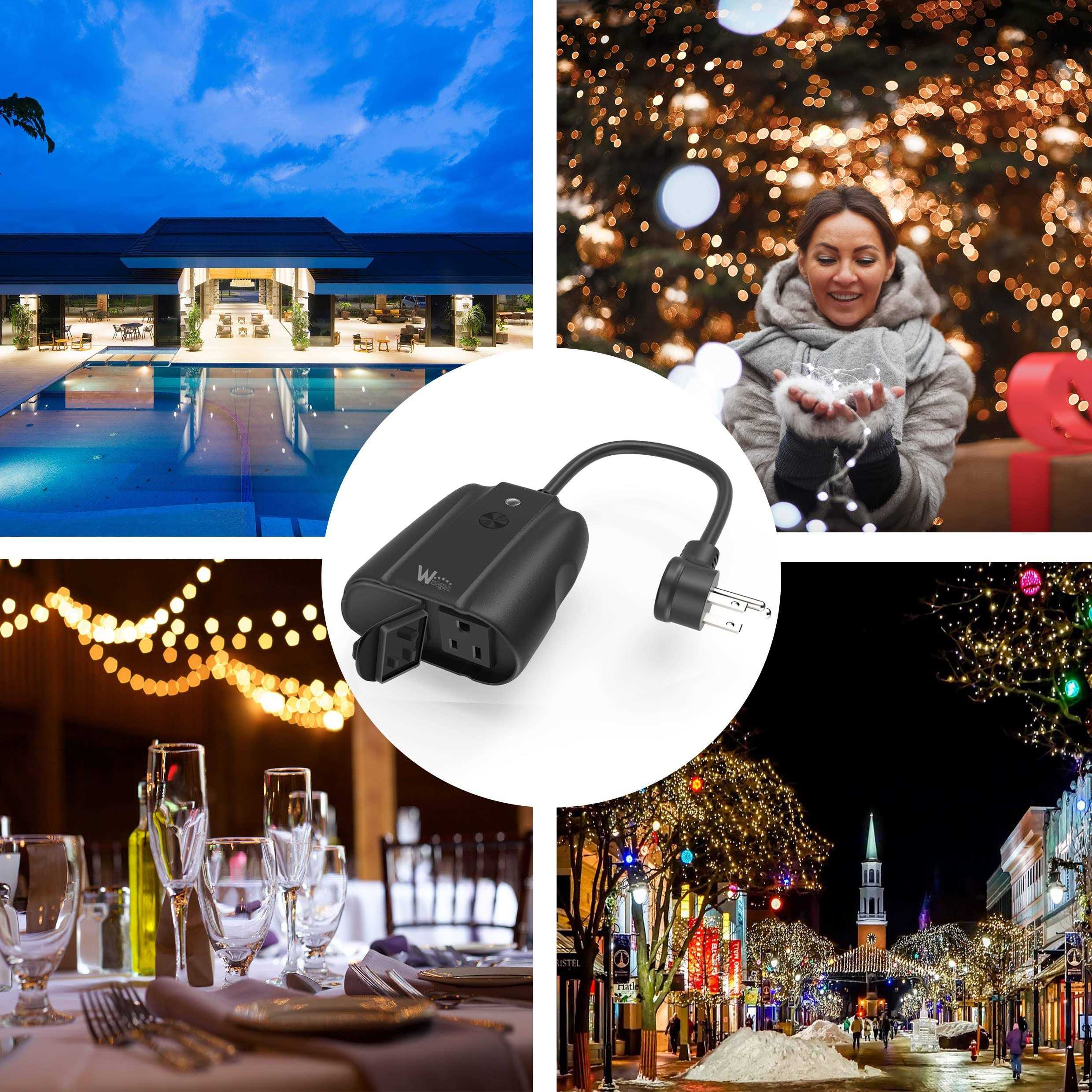
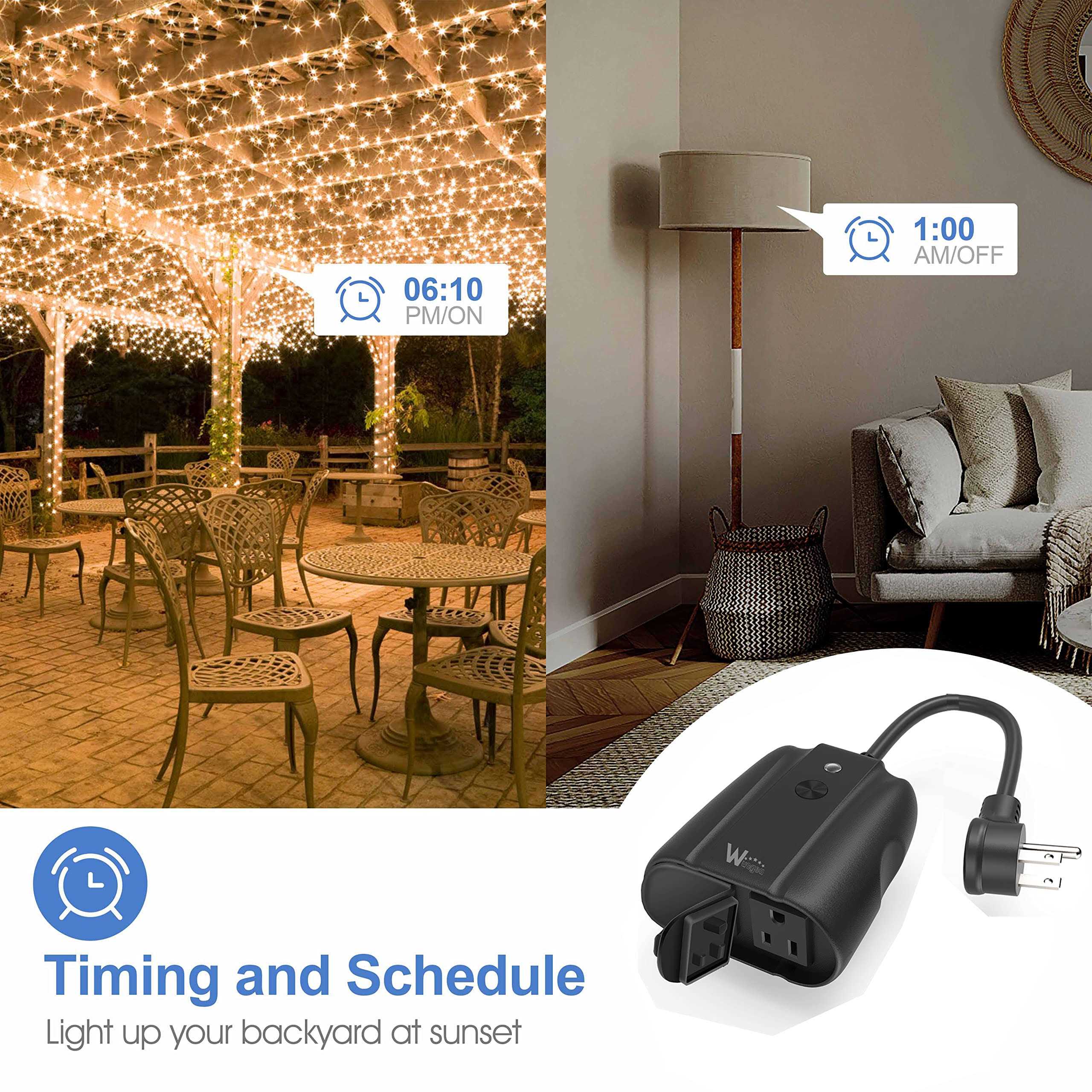
【VOICE COMMANDS & REMOTE CONTROL】Compatible with Amazon Alexa, Google Assistant and IFTTT via 2.4G Wi-Fi network. Simply make a voice commands to turn on/off the connected devices. Download “Smart Life” app,can easily control outdoor electrical devices with your smart phone(i – OS8.0 & Android 4.4 or above) at anywhere and any time. 【2 Individual Outlets and reliable connection】Added an Overload Protector, 750°C Fireproof ABS material.2 AC outlets with Waterproof Button Cap design,Max Current 15A with max Power 1875W, App/ voice control 2 appliances independently or together,connect higher-power and more electrical appliances than most other similar products in the market. 【IP44 WATERPROOF FOR OUTDOOR】FCC/ Ro – HS certified. Splash-proof design, features weather and impact resistant housing withstands damp or wet conditions,can handle wet, snow and cold conditions, very safe for outdoor use. 【TIMER FUNCTION SCHEDULE】Built-in timer function, Schedule the smart device to automatically power ON/OFF as desired, so they can turn on and off on their own, start to enjoying your own smart automatic life. – Customized personal schedule will never let you forget to turn off the electric appliance. Also you’ll see a dramatic decrease in your electrical bill almost immediately by using the outdoor smart plug. SPECIFICATIONS: /b br Model Number: SOP06-US br Waterproof Level: IP44 br Parameters: AC 100-240V 50/60Hz br Max Power: 1875W(resistance loading) br Max Current: 15A br Rated Voltage: 125V br Working Temperature: -20~60°C(-4~140°F) br Remote Control: Smart Life APP (Compatible with Android 4.4/IOS 8.0 or above) br br Operating Guidelines /b br 1. Check your network setting: if your router is dual-band (2.4G/5G), please use 2.4G Wi-Fi network. br 2. Install “Smart Life” App: Download “Smart Life” by scanning the QR code,or search it in the App store or Google Play installed the correct App named “Smart Life”. br 3. Register Smart Life account: Need phone number or email address, Reject it when the App request read contct list. br 4. Add Smart Device to Wi-Fi network via Smart Life App: br . Login the “Smart Life” App with your account br . Long press Power Button in pair mode br . Click “+” to add Smart Device br . Select “All Device”—“Multiple Socket” br . Two pair mode selection: Quick Mode / AP mode br . Pair Smart Device br . Input Wi-Fi password – add Smart Device successfully br br 5. Check Smart Device Connect network success: Connect Success: Can be control ON/OFF via Smart Life App, If it fails: br . Set a hotspot –if Smart Device work well – Recheck network setting br . Recheck Wi-Fi Network to be 2.4Ghz br . Change to adding smart device in AP Mode br . Installed the correct App named “Smart Life” br . Check whether the Wi-Fi password is correct br br 6. Add Smart Life Skills to Alexa App: Login Alexa App-Skills-Search “Smart Life”-Click “Smart Life” – Enable,add skill successfully br 7. Discover Devices: br . Login Alexa App –Smart Home – Devices – Discover br . Smart Device add to Alexa Successfully br . Smart Device can be control via Voice in Alexa br br PACKAGE: /b br 1 x Outdoor Smart Outlet br 1 x User Manual br